发现 
该作品还没有经过官方审核。访问演示、下载或复制命令前,请自行确认来源可信。
详细介绍
项目简介
viu 是一个用 Rust 编写的小型命令行应用,让你直接在终端里查看图片。它本质上是 viuer 的前端:如果终端支持,就使用 iTerm 或 Kitty 图形协议渲染图片;如果不支持,则退化为使用下半方块字符(▄ 或 \u2584)来拼出画面。
viuer 会根据 $TERM 的值决定使用哪种协议。在半方块模式下,它会检查 $COLORTERM:如果其中包含 truecolor 或 24bit,就使用真彩色(约 1600 万色);否则回退到 ansi256 色。
主要功能
- 原生支持 iTerm 与 Kitty 图形协议
- 支持动态 GIF
- 可通过标准输入(stdin)接收媒体
- 自定义显示尺寸、偏移量
- 支持透明背景
- 实验性的 Sixel 支持(需启用
sixel或icy_sixelfeature flag)
安装与使用
从源码安装(推荐)
需要本地已有 Rust 环境。
git clone https://github.com/atanunq/viu.git

# Build & Install
cd viu/
cargo install --path .

# Use
viu img/giphy.gif
或者不克隆仓库,直接安装:
cargo install viu
预编译二进制
可从 release 页面 下载预编译好的二进制文件。GPG 指纹为 B195BADA40BEF20E4907A5AC628280A0217A7B0F。
包管理器
macOS 上可通过 brew 安装:
brew install viu
Arch Linux 上可使用 extra/viu:
pacman -S viu
NetBSD 上提供了 graphics/viu。
使用示例
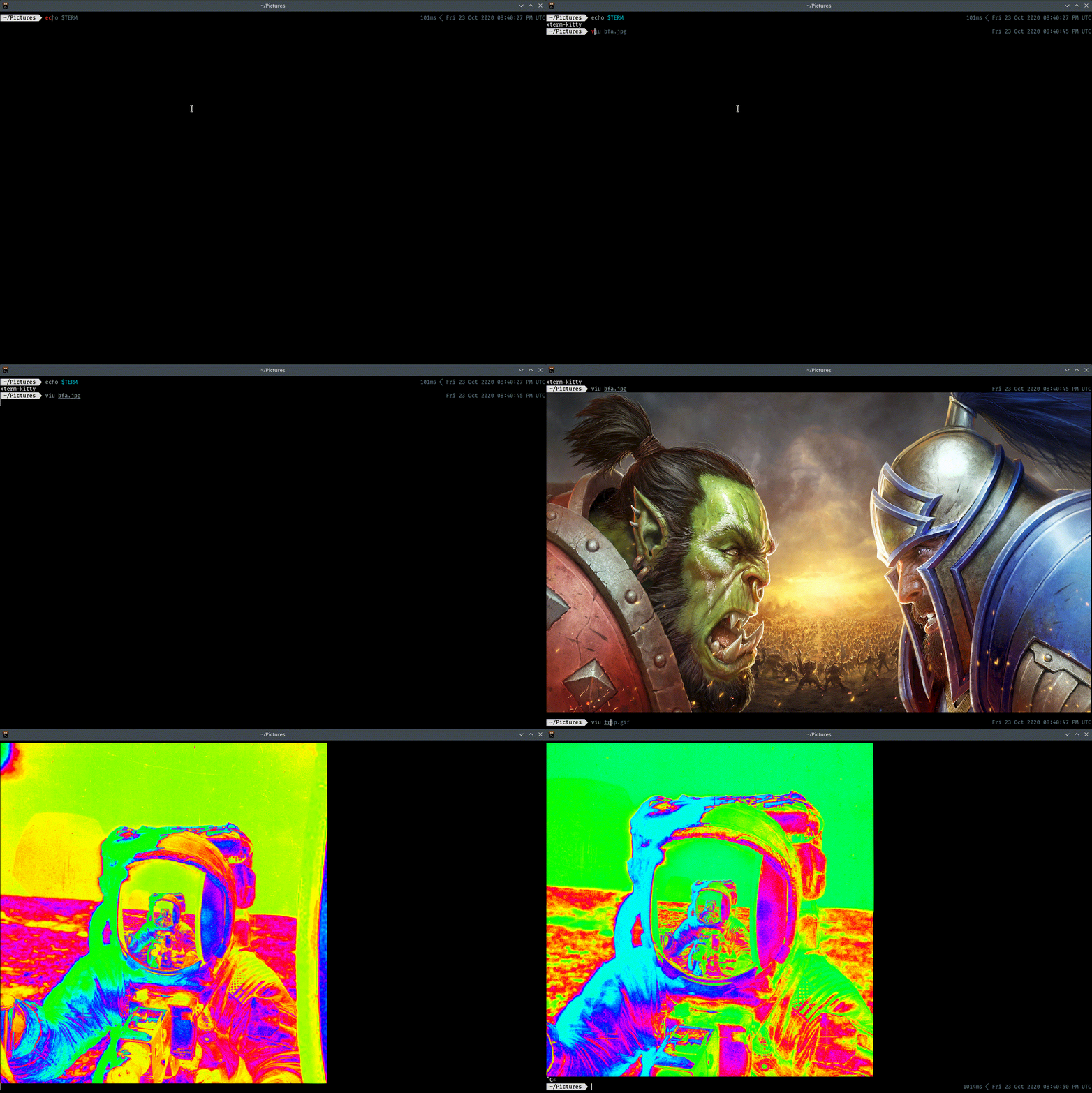
在 Kitty 终端中:
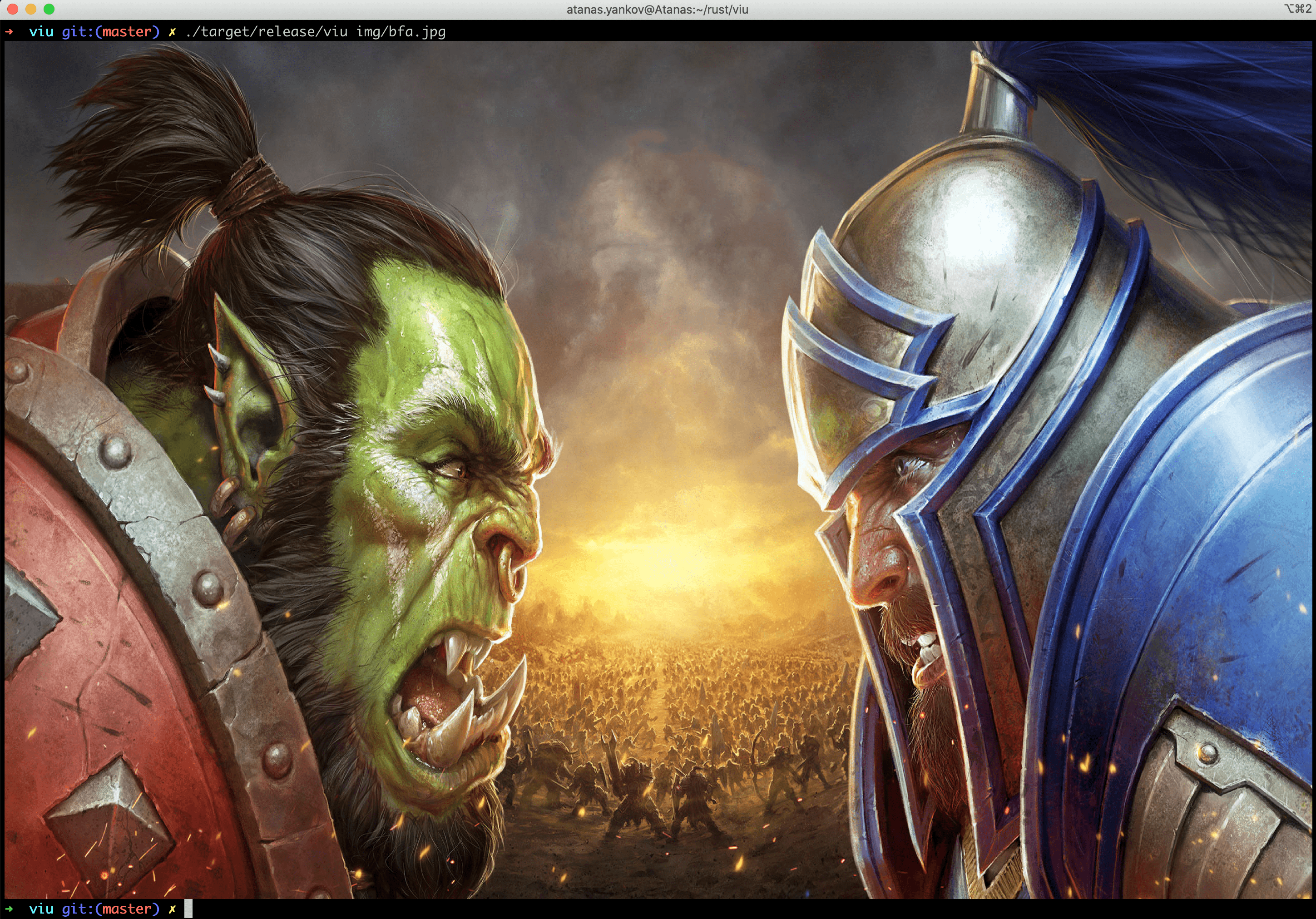
在 Mac 的 iTerm 中:
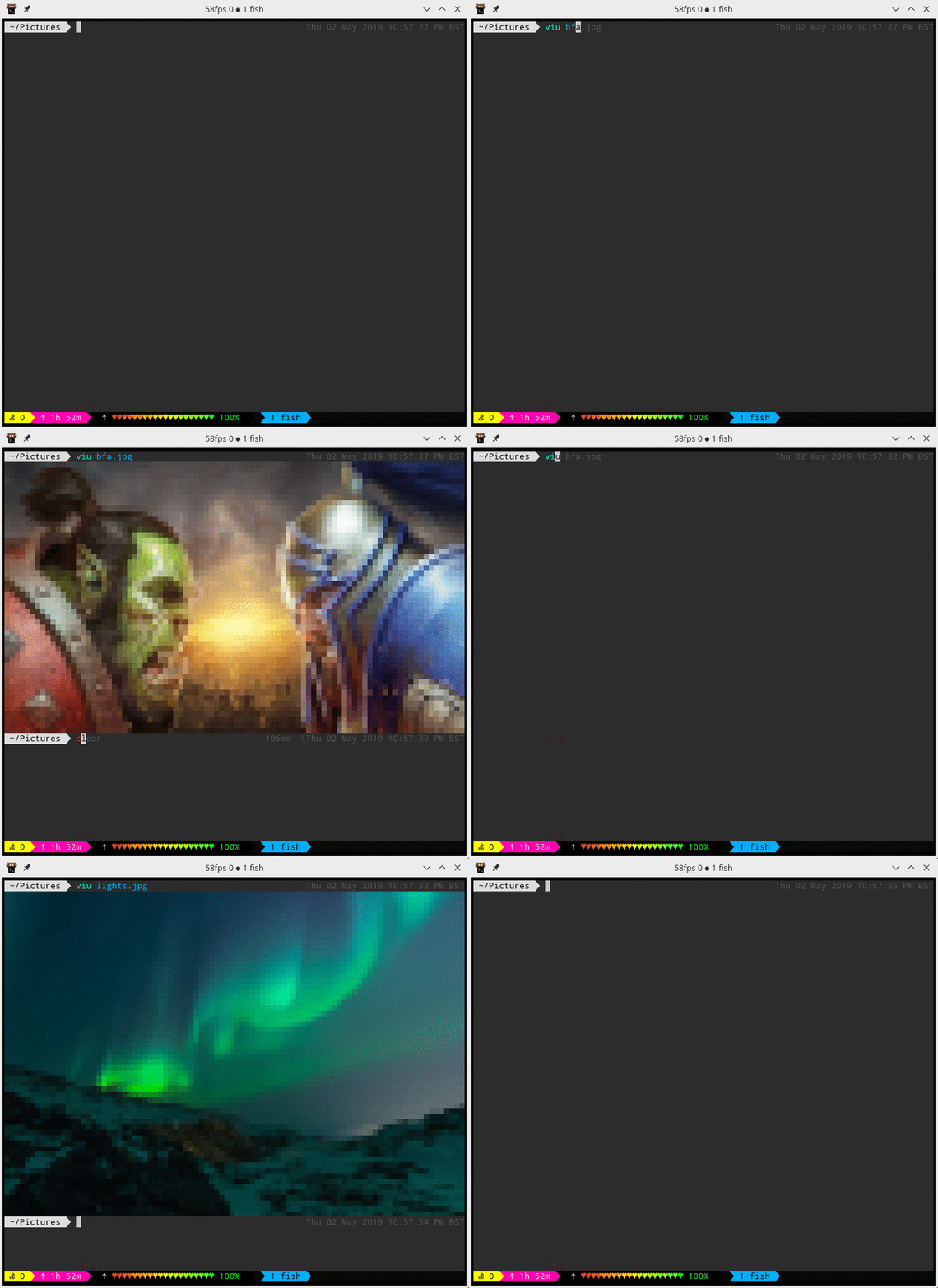
使用半方块模式(Kitty 协议与 tmux 不兼容):
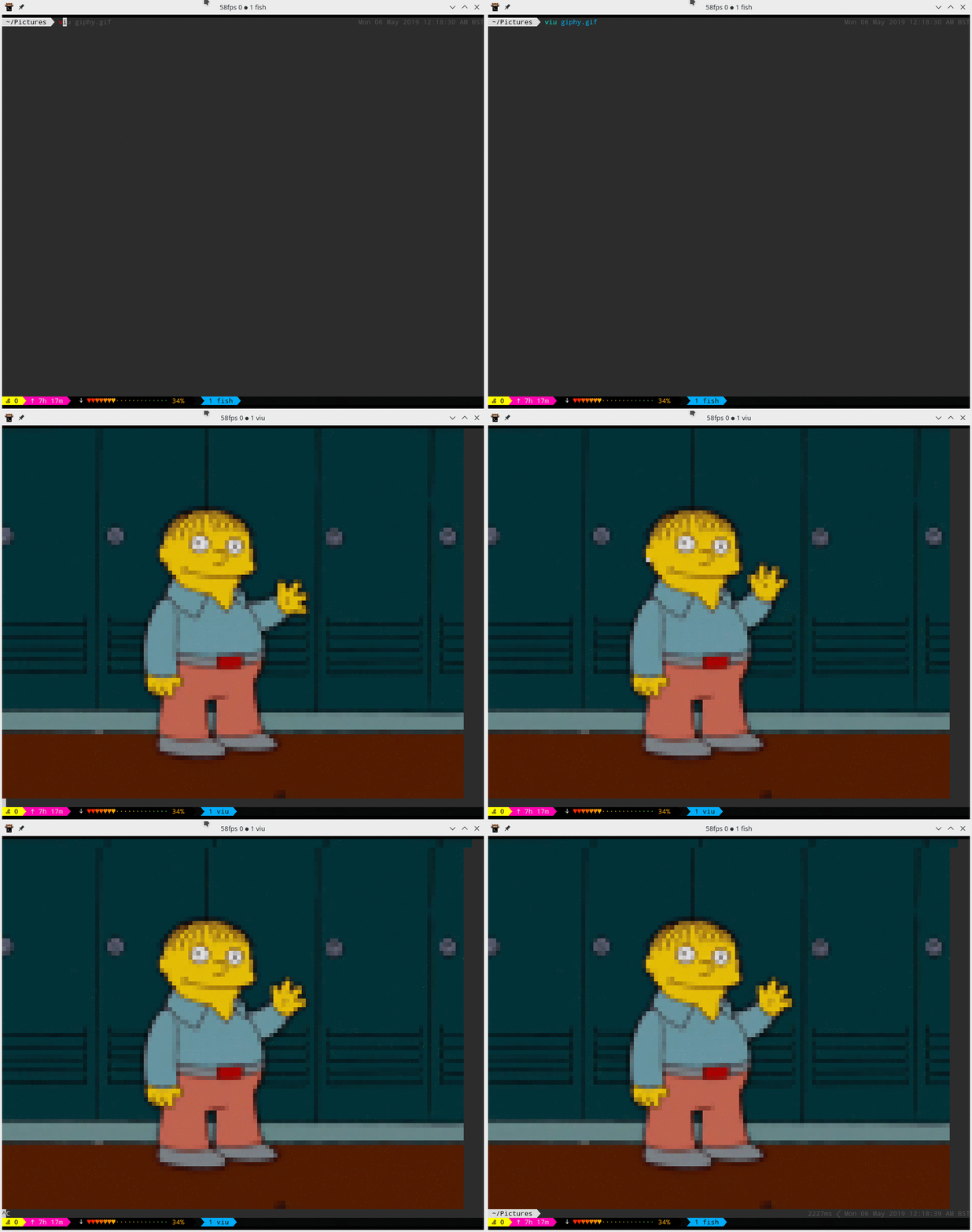
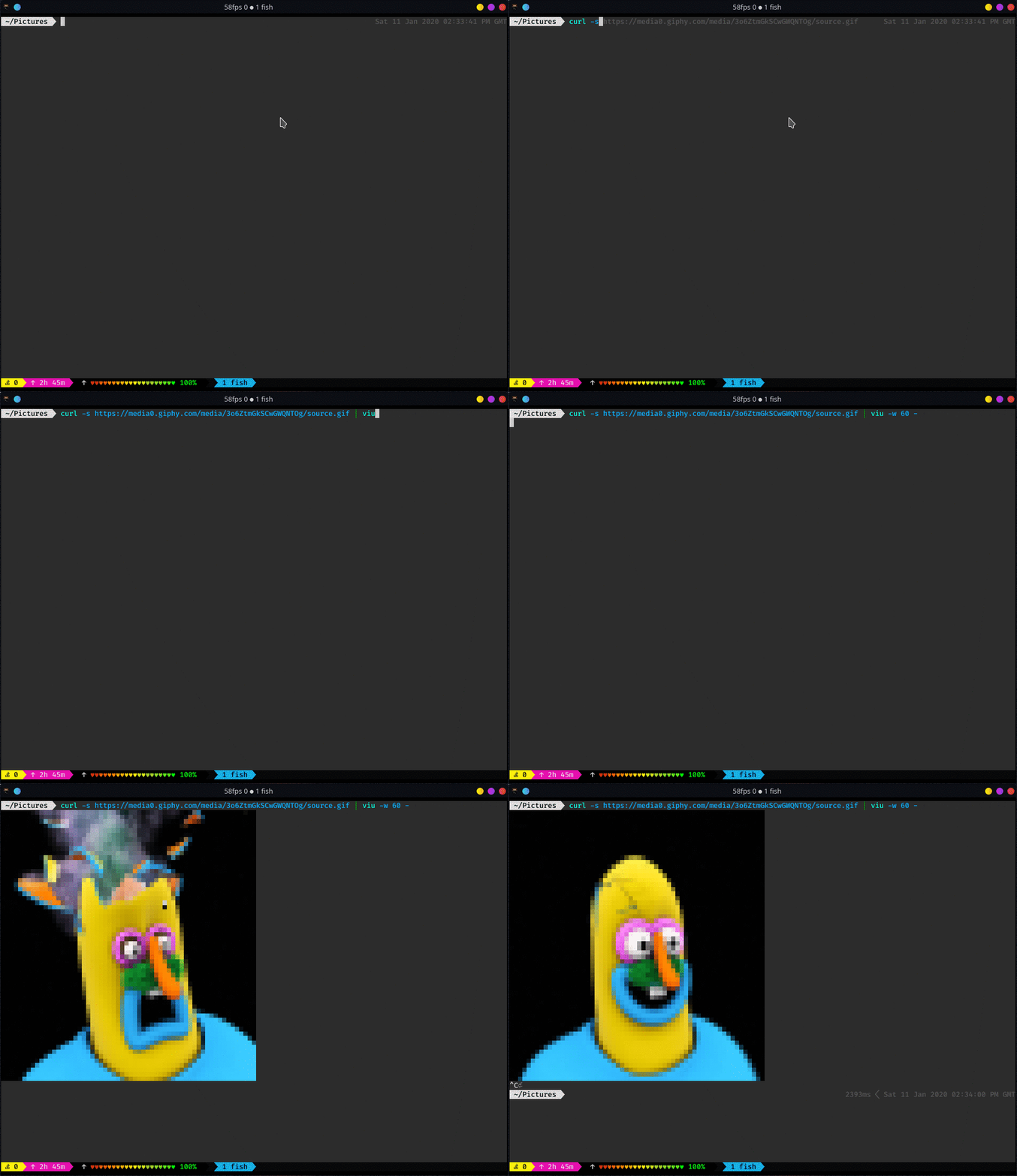
以上 GIF 通过 Ctrl-C 停止。当只传入一个 GIF 文件时,它会循环播放直到按下 Ctrl-C;如果同时传入多个文件,GIF 只会播放一次。
宽高比
如果未给 viu 传入任何尺寸参数,它会尝试获取调用时所在终端的大小;成功的话会让图片适应终端并保持宽高比。只有同时使用 -w 和 -h 两个选项时,宽高比才会被改变。
命令行选项
View images right from the terminal.

Usage: viu [OPTIONS] [file]...

Arguments:
  [file]...  The images to be displayed. Set to - for standard input.

Options:
  -w, --width <width>
          Resize the image to a provided width
  -h, --height <height>
          Resize the image to a provided height
  -x <x>
          X offset [default: 0]
  -y <y>
          Y offset [default: 0]
  -a, --absolute-offset
          Make the x and y offset be relative to the top left terminal corner. If not set, they are relative to the cursor's position.
  -r, --recursive
          Recurse down directories if passed one
  -b, --blocks
          Force block output
  -n, --name
          Output the name of the file before displaying
  -c, --caption
          Output the name of the file after displaying
  -t, --transparent
          Display transparent images with transparent background
  -f, --frame-rate <frames-per-second>
          Play the gif at a given frame rate
  -1, --once
          Loop only once through the gif
  -s, --static
          Show only the first frame of the gif
  -H, --help
          Print help information
  -V, --version
          Print version information
注意事项
- iTerm 自身处理 GIF 的性能更好,但通过
--once和--frame-rate进行的配置在 iTerm 中不会生效。 - Kitty 协议与
tmux配合不佳,此时可使用半方块模式(--blocks)。 - Sixel 支持仍处于实验阶段,需要通过 feature flag 启用。
本作品整理自 GitHub 开源项目 atanunq/viu,原作者 @atanunq,许可证 MIT。中文介绍由 AI 根据项目 README 整理,以原仓库为准。
更新记录
- v1.6.1当前版本
新增 macOS aarch64 平台的发布二进制文件。
评论